

Sign Message
Request a signed message from the connected user using Blux.
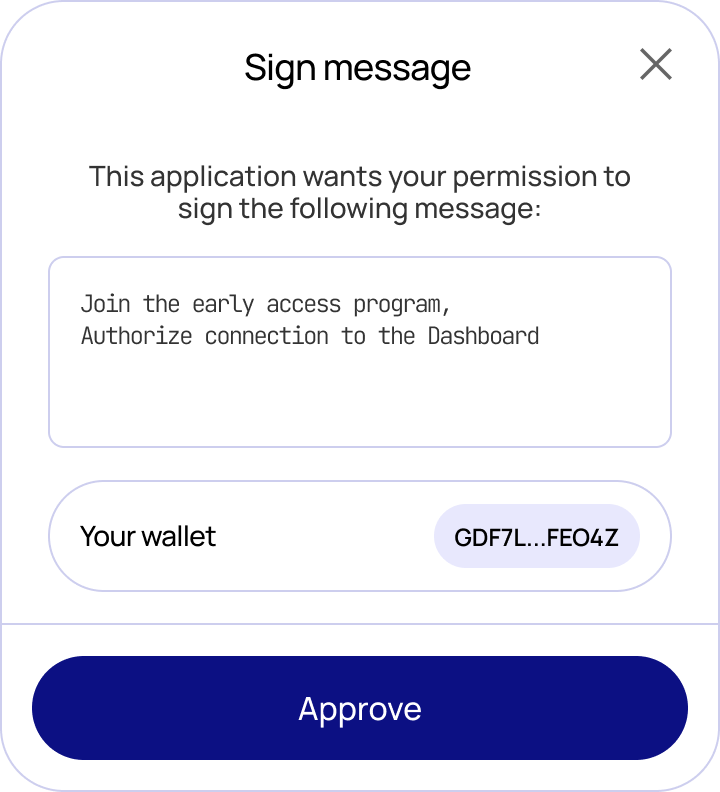
The blux.signMessage() method prompts the connected user to sign an arbitrary message. Blux shows a confirmation modal displaying the message content and the signing account before the user approves.
Type
type IOptions = {
  network?: string;
};

const signMessage: (message: string, options?: IOptions);| Parameter | Type | Description |
|---|---|---|
message | string | The message string to sign |
options.network | string | Network to use — omit to use the active network |
Usage
import { blux } from "@bluxcc/core";

const sign = async () => {
  try {
    const result = await blux.signMessage("Hello");

    console.log(result);
  } catch (error) {
    console.error("Something went wrong!");
    console.log(error);
  }
};
To skip the confirmation modal and handle your own confirmation UI, set showWalletUIs: false in createConfig.