

Profile
Open the Blux profile modal for connected users to manage their account.
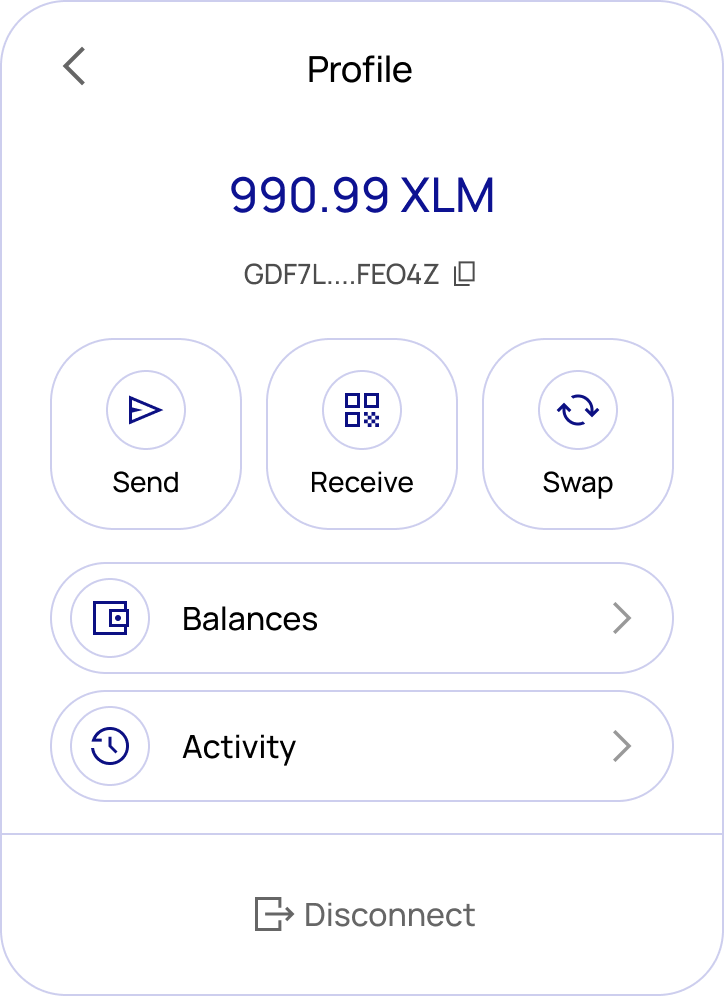
The blux.profile() method opens a full account management modal — so you don't need to build common wallet UI yourself.
Usage
import { blux } from "@bluxcc/core";

blux.profile();
Pages
Receive — Displays a QR code and the user's public Stellar address with a copy button.
Balances — Lists all assets, NFTs, and custom tokens. Each entry shows the icon, code, name, issuer, and balance.
Send — A form to send assets to another address. Includes fields for recipient, asset, amount, and an optional memo. Validates balance sufficiency, trustlines, and destination before submitting. Shows a confirmation screen with the transaction hash and explorer link on success.
Swap — Swap between assets with a live price quote, slippage tolerance, route details, minimum received amount, and exchange rate. Includes a preview step before submission and a confirmation screen after.
Activity — A list of recent transactions showing date, type (send/receive/swap), and amount. Each entry links to the full transaction in the explorer.
Logout — Logs the user out and closes the modal.