# Login
URL: https://docs.blux.cc/react/usage/login
Authenticate users in your app with Blux's built-in login modal.
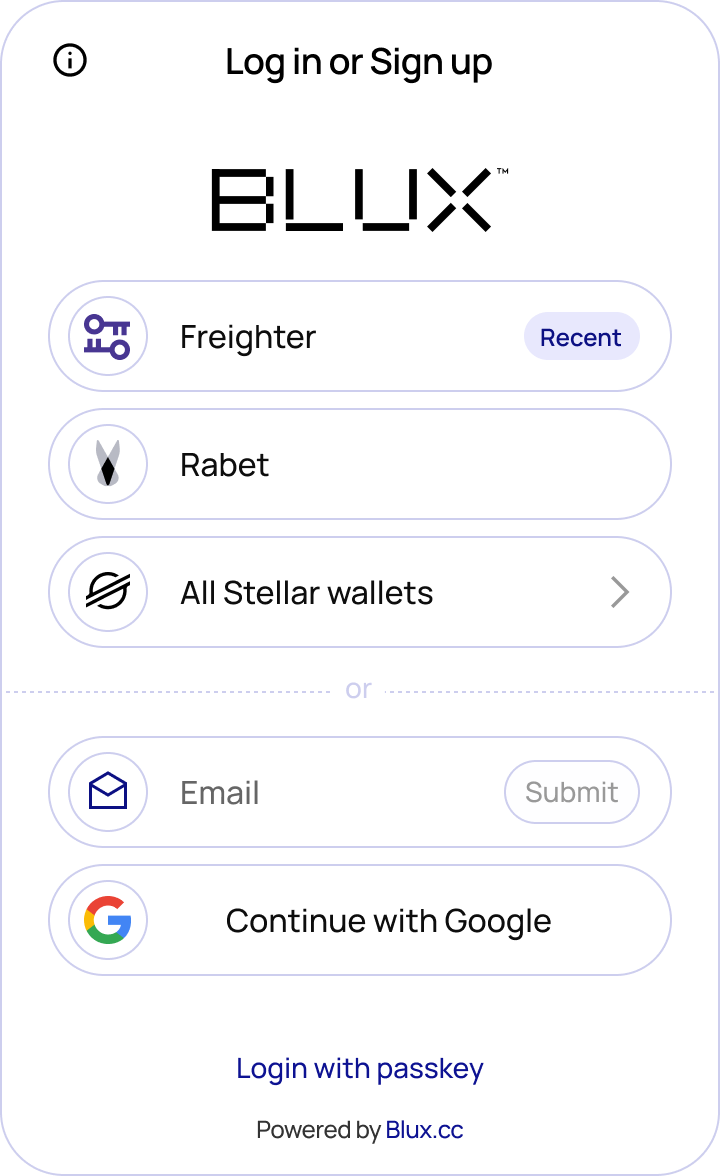
Blux provides an out-of-the-box login modal so you can onboard users without building your own auth UI. Call `login()` from the `useBlux` hook to trigger it.
## Import
```tsx
```
## Usage
```tsx
function LoginButton() {
const { login, isReady, isAuthenticated } = useBlux();
const disableLogin = !isReady || (isReady && isAuthenticated);
return (
);
}
```
Keep the login button disabled until `isReady` is `true` to avoid triggering the modal before Blux has finished detecting available wallets.
## Key Fields
The `useBlux` hook provides these fields for managing authentication state:
| Field | Type | Description |
|---|---|---|
| `isReady` | `boolean` | `false` until Blux has finished checking for available wallets, then `true` |
| `isAuthenticated` | `boolean` | `true` after a successful login, resets to `false` on logout |
| `user` | `object \| null` | User info (address, connection method) after login; `null` otherwise |
| `login` | `() => void` | Opens the wallet selection modal |
| `logout` | `() => void` | Signs the user out, resetting `isAuthenticated` and `user` |
## Screenshots